Menu
X50 PoS Software
X50 requires Windows XP or Posready 2009

X50 comes with PoS Till software & Back Office

Touch screen or non-touch screen
non-touch screens requires mouse and keyboard

Receipt printers are supported via Epson OPOS
We recommend Epson TM-T88iii and above
Serial or USB interface
80mm paper width

Standrad Cash drawer with RJ11/RJ12 socket
plugs into the DK socket of the printer

Keyboard is only required for Back Office

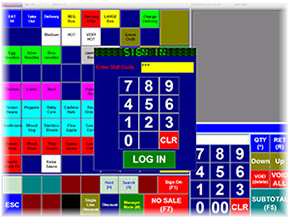
Staff PIN numbers to sign in

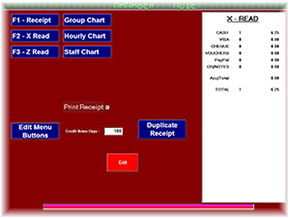
X / Z reads on the Till

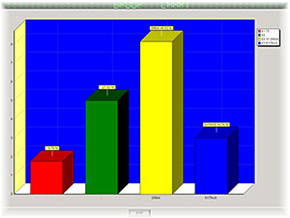
Reports available in Back Office

X50 is available in 3 formats
Standalone
Networked
Client / Server

X50 Versions
Standalone

Standalone Version is ideal for a single Till
The Back Office and PoS Till software
is installed on 1 terminal


Networked

Networked Version is installed on 2 Terminals
Terminal 1 will host the Back Office
Terminal 2 will host the PoS Till software
Both terminals are linked via router


Client / Server

Client Server requires internet connection
Terminal 1 will host the Back Office
Terminal 2 will host the PoS Till software
Both terminals are linked via router which is connected to the internet
Ideal if your Back Office has a different location

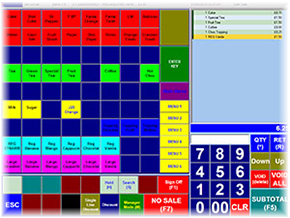
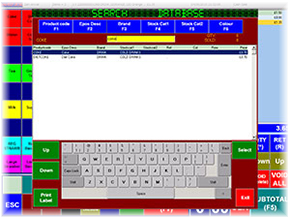
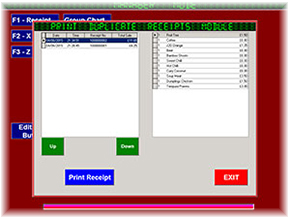
PoS Screens
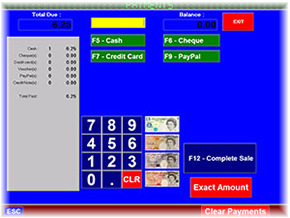
PoS Screens
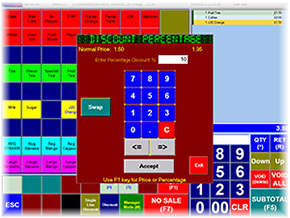
PoS Screens
PoS Screens
PoS Screens
Epos4U on Twitter
facebook
site stats
X50 Series