To change the receipt text
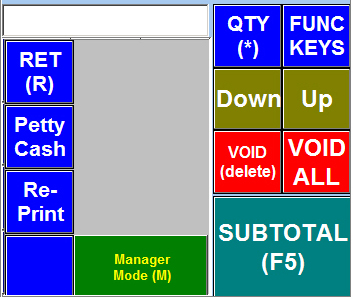
Click on FUNC KEYS to bring up the extra keys
Click on Manger Mode
please note :- Administrator rights needed
Use back office staff module to allow user or dis-allow
|
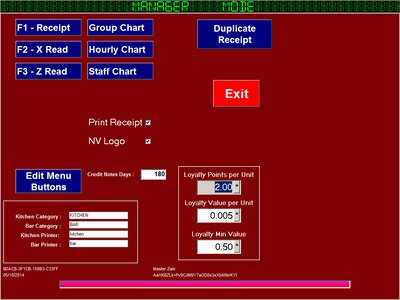
From the Manager Mode Screen
Click the Receipt Button |
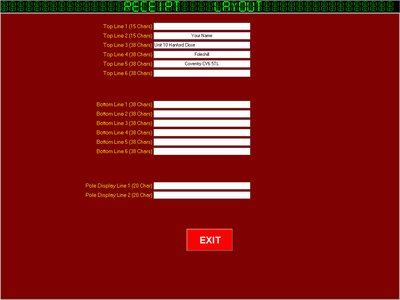
Enter your details or delete
Top Section is for the Top of the Receipt
Bottom Section is for the lower part of the Receipt
Pole display line when idle |
|