|
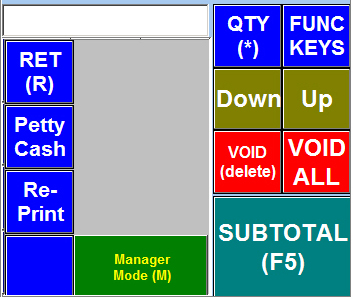
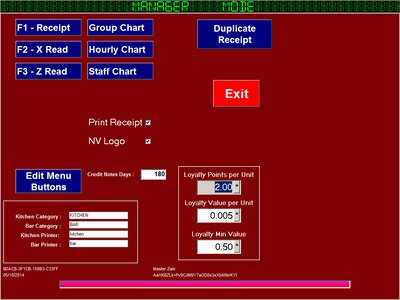
Click on FUNC KEYSClick on Manager Mode Button |
|
From here we can View current sale information |
|
Receipt Button will show the Receipt Editor
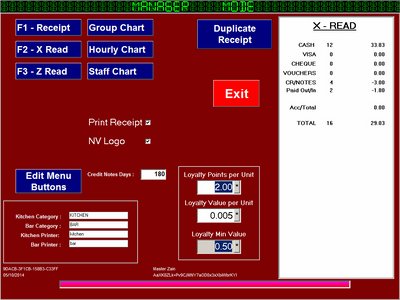
X-Read Button will Show Current sales on the ScreenZ-Read Button will Print a Z-Reading and reset the sales to zeroEdit Menu Buttons will allow you to edit Misc Buttons |
|
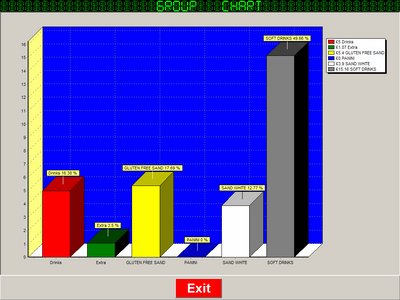
Group Chart - Showing current sales |
|
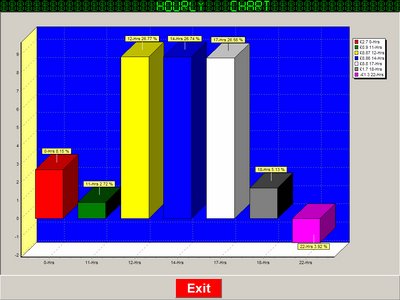
Hourly Chart - Showing current sales |
|
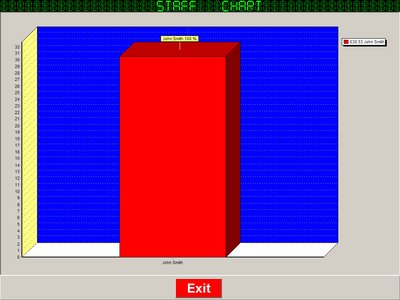
Staff Chart - Showing current sales |