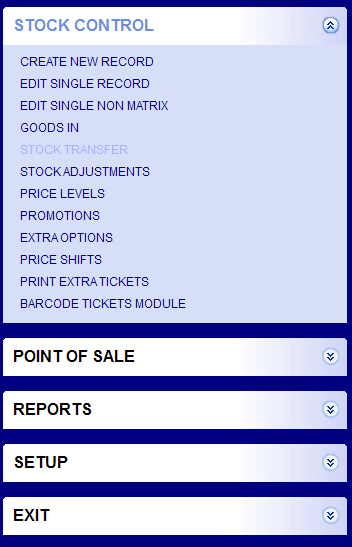
Stock Control Menu
|
Create New Record :- Click on to create a new recordEdit Single Record :- Click to amend records already createdGoods In :- Click to enter stockPrice Levels :- Click to create new price levelsPromotions :- Click to create / edit PromotionsExtra Options :- Click to create / edit optionsPrice Shifts :- Click to create / edit Price shiftsPrint Extra Tickets :- Click to print lost ticketsBarcode Ticket Module :- Click to print barcode labels |
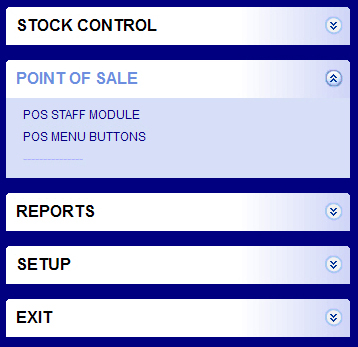
Point of Sale Menu
|
POS Staff Module :- Click to create / amend StaffPOS Menu Buttons :- Click to create / amend Buttons on POS |
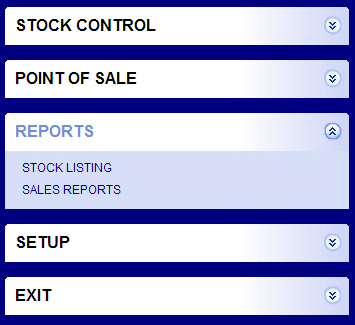
Reports Menu
|
Stock Listing :- Click to view stock reportsSales Reports :- Click to view sale reports |
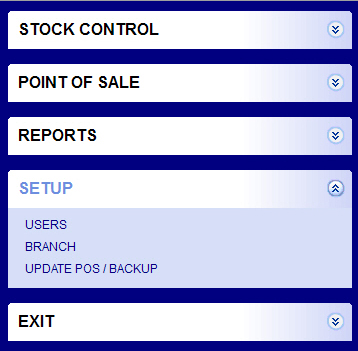
Setup Menu
|
Users :- Setup users for back office onlyuse with careBranch :- Edit Branch details for back office use only |
.