Editing Records
To edit existing records, click on edit single record from the stock control menu
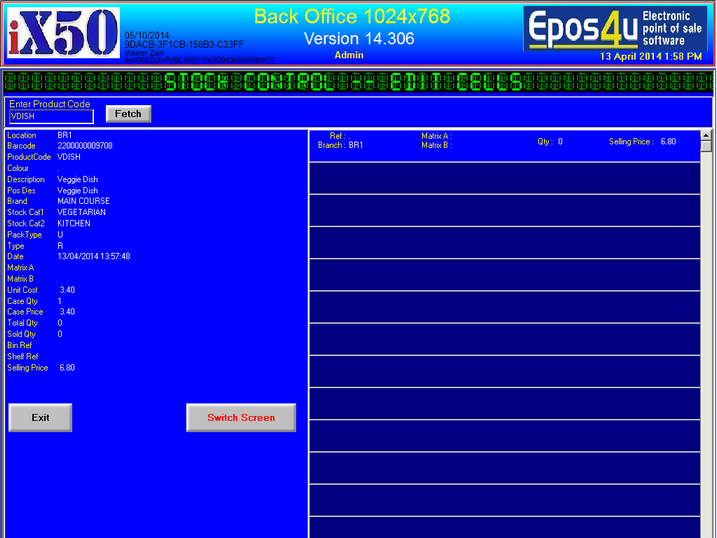
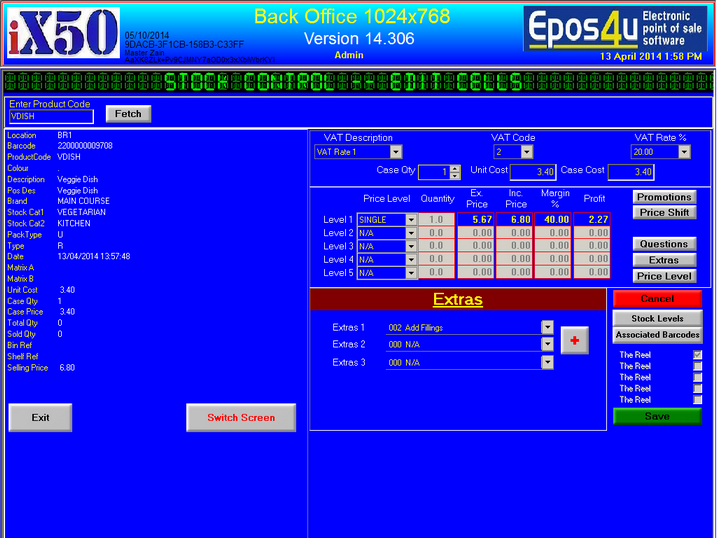
1.Enter product code or click search, once the product code is found the Fetch button will be available
2.Click on Fetch to Proceed
Editing Record |
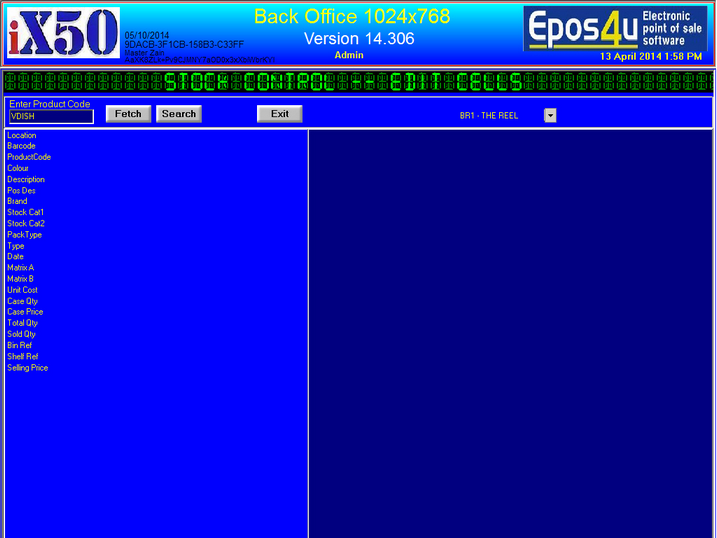
1.Enter product code or click search, once the product code is found the Fetch button will be available
2.Click on Fetch to Proceed