|
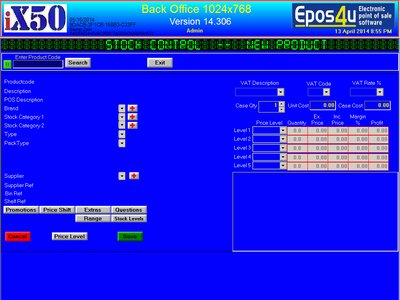
To create a new record from Barcoded Item
Click Create new Record
Click the B button on the left of the product code field |
|
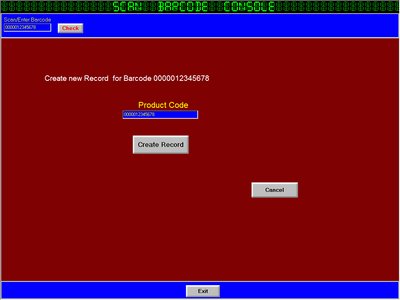
Scan or type the Barcode
When you Scan it will Automatically Check
When you manually enter the Barcode, Click Check Button |
|
The Product code is replaced with the Barcode scanned
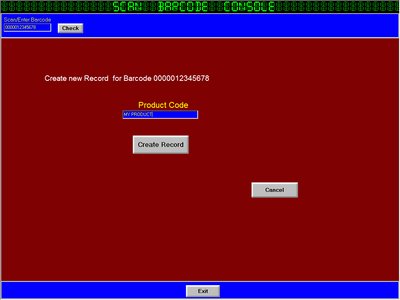
Change the product code to keep it unique
Click on Create Record |
|
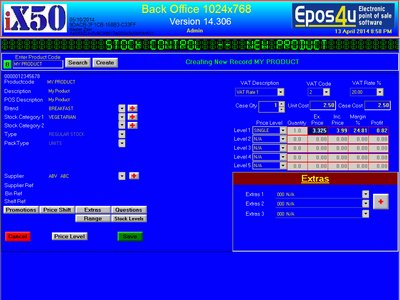
Proceed with filling all the details
you will notice the barcode is visible on top of the product code label |