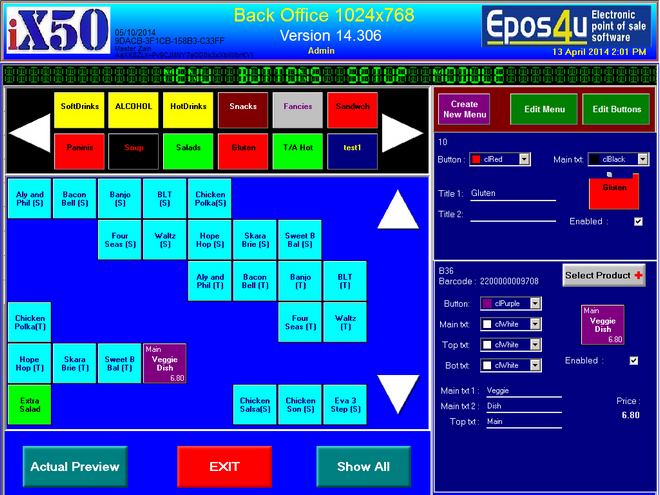
From Point of Sale Menu, click on POS Menu Buttons
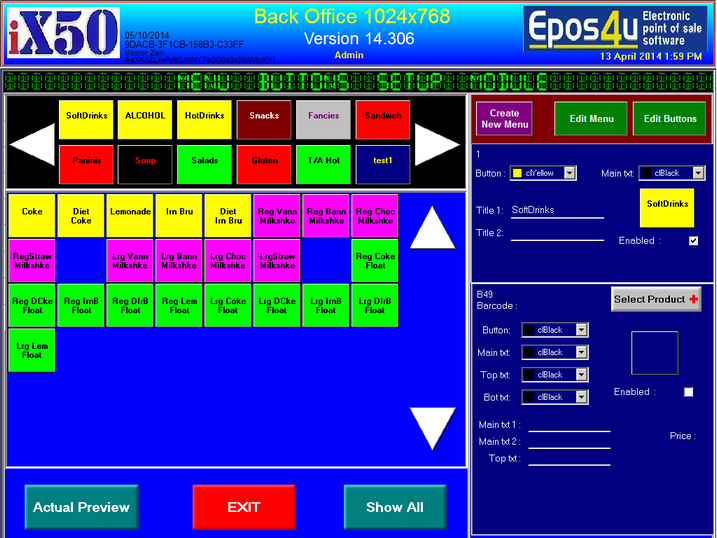
You can edit or create main menu buttons
Show all button will show all the buttons, enabled or disabled.
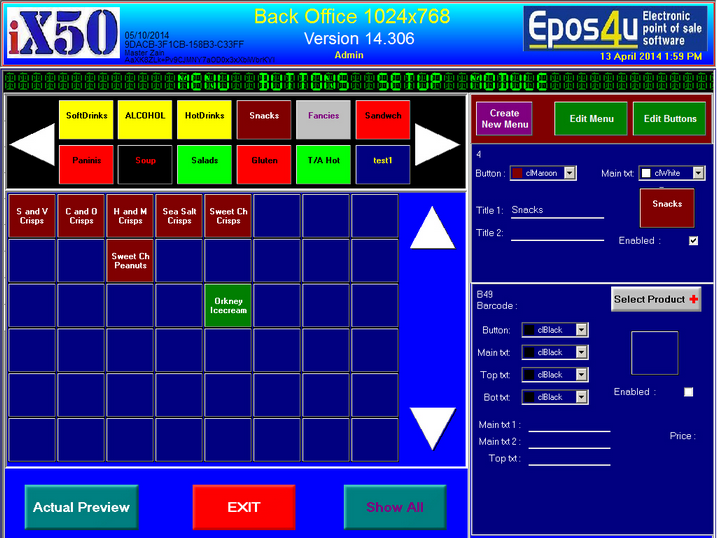
Click on any of the buttons to edit or create a new button
|
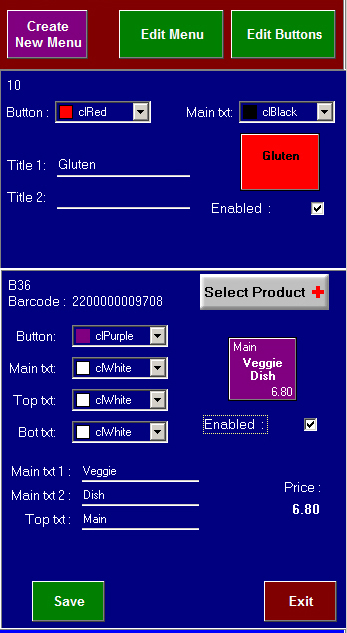
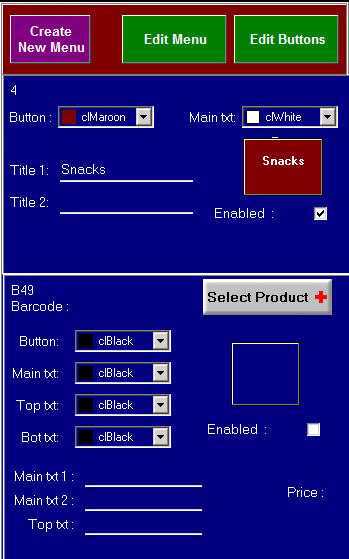
Create New Menu :- Create a new main menuEdit Menu :- Edit main menuclick Enabled or un-tick to disable menu button
Click on Select Product + button |
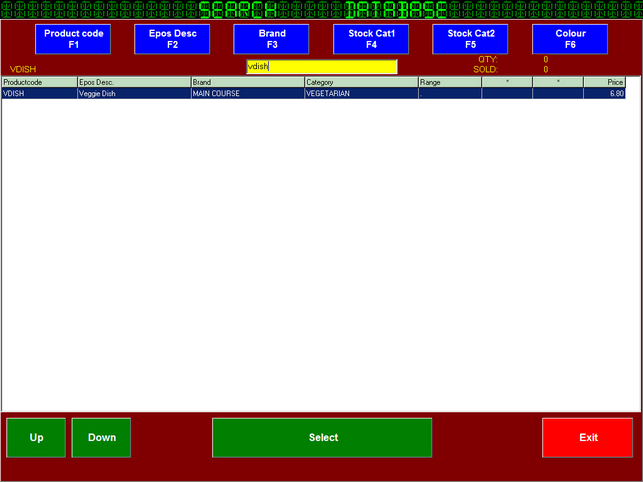
Search for product via search screen
Accept to continue
|
Select Button Options and see how thenew button will lookTick Enabled to enable the buttonthis will show on the PoS screenSave |